Winter ’27: Custom Row Causes That Survive Owner Changes
Use a custom row cause so code-granted Case access survives reassignment and can be revoked precisely.
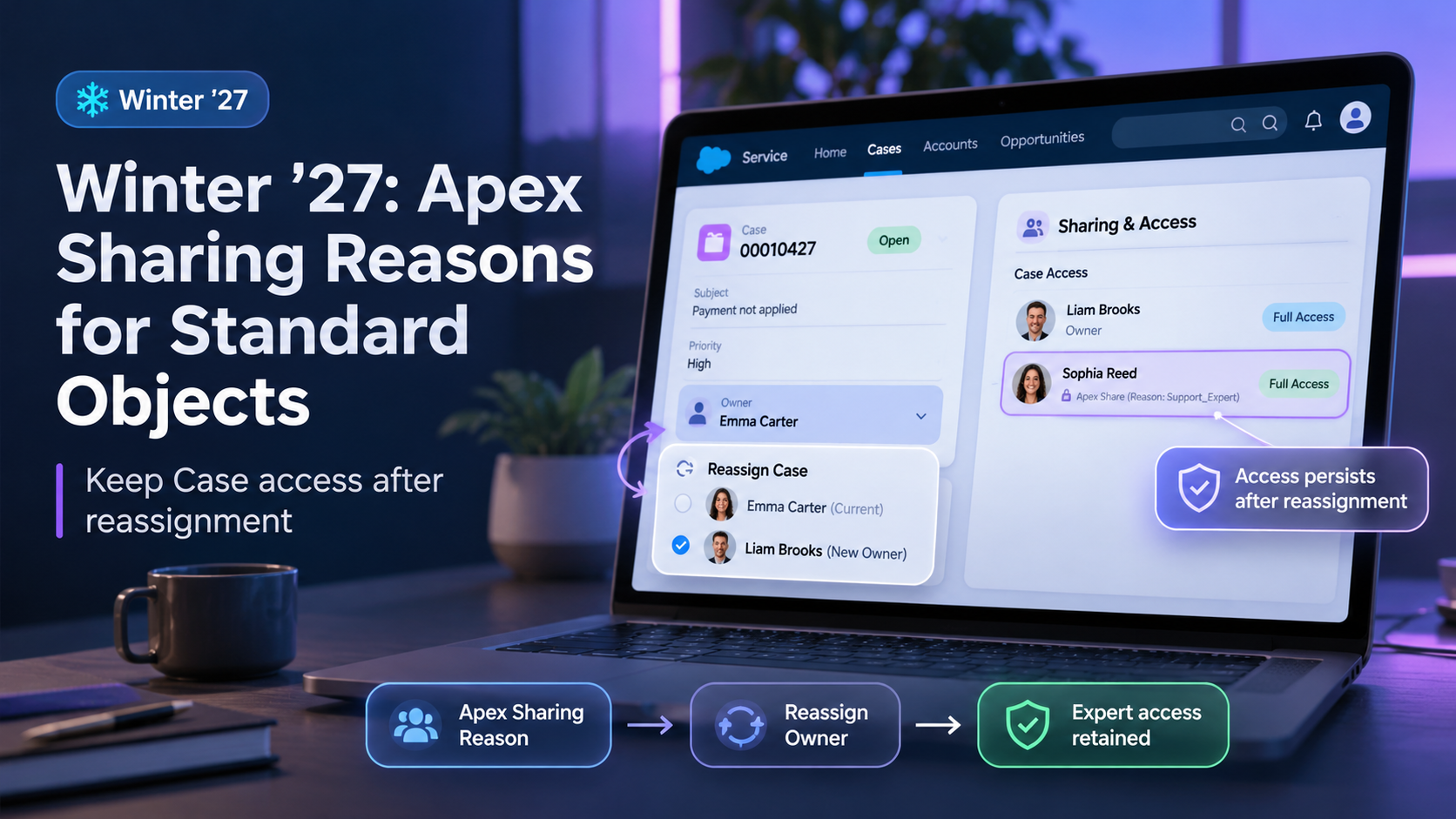
A priority Case is escalated, and your Apex code gives an expert Edit access through CaseShare. Twenty minutes later, the Case moves to a Tier 2 queue. The expert tries to open it and gets an insufficient privileges error.
Nothing failed. Historically, Apex-created shares on standard objects used the Manual row cause, and Salesforce removed those shares when record ownership changed.
Developers worked around this with triggers or scheduled jobs that recreated shares after reassignment. But Manual shares created by code were indistinguishable from those created by users.
Winter ’27 introduces two improvements that address this problem.
What's New?
Salesforce Winter ’27 (API 68.0) introduces custom sharing reasons (custom row causes) for supported standard objects, including Case, Account, and Opportunity.
Previously limited to custom objects, these reasons allow developers to create shares that survive ownership changes and remain distinguishable from Manual shares.
Winter ’27 also introduces Keep Manual Shares when Transferring Records, an org-wide setting that preserves Manual shares during ownership changes.
| Behavior | Manual Share | Custom Row Cause |
|---|---|---|
| Survives owner changes | Yes, when the setting is enabled | Yes |
| Identifies why access exists | Generic Manual reason |
Custom business reason |
| Supports selective revocation | Difficult to distinguish by origin | Yes, using RowCause |
| Configuration | Sharing Settings | Metadata API |
The key difference is control. Preserving Manual shares prevents their removal during transfers, while custom row causes let developers independently identify and manage access granted by different business processes.
Custom sharing reasons are supported on eligible standard objects with a corresponding share object and an org-wide default of Private or Public Read Only. You can define up to 10 custom reasons per standard object.
They can also be used in Flow, not just Apex.
Practical Example: Keep Expert Access After Case Reassignment
A support supervisor assigns an expert to a Case. The expert needs Edit access even when the Case moves to another user or queue.
When the assigned expert changes, only access granted through the expert-assignment process should be removed.
We'll implement this using a custom sharing reason, a User lookup field, an Apex service, and a trigger.
1. Create the Sharing Reason
Create: /objects/Case/sharingReasons/Escalation_Expert__c.sharingReason-meta.xml
<?xml version="1.0" encoding="UTF-8"?>
<SharingReason xmlns="http://soap.sforce.com/2006/04/metadata">
    <fullName>Escalation_Expert__c</fullName>
    <label>Escalation Expert</label>
</SharingReason>
The reason identifies shares created by our expert-assignment logic.
2. Create the Assigned Expert Field
Create a custom Lookup field on Case referencing User.
| Property | Value |
|---|---|
| Label | Assigned Expert |
| API Name | Assigned_Expert__c |
| Type | Lookup(User) |
| Required | No |
Alternatively, create:
force-app/main/default/objects/Case/fields/Assigned_Expert__c.field-meta.xml
<?xml version="1.0" encoding="UTF-8"?>
<CustomField xmlns="http://soap.sforce.com/2006/04/metadata">
    <fullName>Assigned_Expert__c</fullName>
    <label>Assigned Expert</label>
    <referenceTo>User</referenceTo>
    <relationshipLabel>Assigned Cases</relationshipLabel>
    <relationshipName>Assigned_Cases</relationshipName>
    <type>Lookup</type>
</CustomField>
Add the field to the Case record page and restrict edit access to authorized users.
Before testing: Ensure Case organization-wide default is Private or Public Read Only.
Salesforce rejects sharing records that don't grant additional access beyond the default. For example, inserting an Edit share when the Case OWD already provides Edit access produces a trivial share level Edit error.
3. Synchronize Expert Shares Using Apex
Create CaseExpertSharingService.cls.
The service creates or removes custom shares when Assigned_Expert__c changes. SOQL and DML operations are outside loops, and sharing failures are handled within the service.
public without sharing class CaseExpertSharingService {

    private static final String REASON =
        Schema.CaseShare.RowCause.Escalation_Expert__c;

    public static void sync(List<Case> newCases, Map<Id, Case> oldMap) {
        Set<Id> toRevoke = new Set<Id>();
        List<CaseShare> toGrant = new List<CaseShare>();
        Map<Id, Case> casesById = new Map<Id, Case>(newCases);
        Map<Id, String> errors = new Map<Id, String>();

        for (Case c : newCases) {
            Id oldExpert = oldMap == null
                ? null
                : oldMap.get(c.Id).Assigned_Expert__c;

            Id newExpert = c.Assigned_Expert__c;

            if (newExpert == oldExpert) {
                continue;
            }

            if (oldExpert != null) {
                toRevoke.add(c.Id);
            }

            if (newExpert != null && newExpert != c.OwnerId) {
                toGrant.add(new CaseShare(
                    CaseId = c.Id,
                    UserOrGroupId = newExpert,
                    CaseAccessLevel = 'Edit',
                    RowCause = REASON
                ));
            }
        }

        // Remove shares from the previous expert assignment.
        if (!toRevoke.isEmpty()) {
            List<CaseShare> staleShares = [
                SELECT Id, CaseId
                FROM CaseShare
                WHERE CaseId IN :toRevoke
                AND RowCause = :REASON
                WITH SYSTEM_MODE
            ];

            List<Database.DeleteResult> results =
                Database.delete(
                    staleShares,
                    false,
                    AccessLevel.SYSTEM_MODE
                );

            for (Integer i = 0; i < results.size(); i++) {
                if (!results[i].isSuccess()) {
                    errors.put(
                        staleShares[i].CaseId,
                        results[i].getErrors()[0].getMessage()
                    );
                }
            }
        }

        // Skip grants if revocation failed.
        List<CaseShare> validGrants = new List<CaseShare>();

        for (CaseShare share : toGrant) {
            if (!errors.containsKey(share.CaseId)) {
                validGrants.add(share);
            }
        }

        if (!validGrants.isEmpty()) {
            List<Database.SaveResult> results =
                Database.insert(
                    validGrants,
                    false,
                    AccessLevel.SYSTEM_MODE
                );

            for (Integer i = 0; i < results.size(); i++) {
                if (!results[i].isSuccess()) {
                    errors.put(
                        validGrants[i].CaseId,
                        results[i].getErrors()[0].getMessage()
                    );
                }
            }
        }

        // Prevent the Case operation if sharing fails.
        for (Id caseId : errors.keySet()) {
            casesById.get(caseId).addError(
                'Expert access could not be updated: '
                + errors.get(caseId)
            );
        }
    }
}
Create CaseExpertSharingTrigger.trigger:
trigger CaseExpertSharingTrigger on Case (after insert, after update) {
    CaseExpertSharingService.sync(Trigger.new, Trigger.oldMap);
}
The service handles these operations:
- Expert assigned: Creates an Edit share for the expert.
- Expert changed: Removes the previous custom-reason share and creates a new one.
- Expert removed: Deletes shares associated with
Escalation_Expert__c.
When ownership changes, Salesforce preserves existing custom-reason shares without requiring the service to recreate them.
Important limitation: The service reacts to changes in Assigned_Expert__c, not ownership changes alone. If the assigned expert originally owned the Case and no share was created, this implementation won't automatically create one when ownership changes.
The service runs privileged sharing operations in system mode. This bypasses the running user's object and field-level permissions for those operations, so controlling who can modify Assigned_Expert__c is essential.
It also deliberately calls addError() when sharing fails, rolling back the Case operation rather than allowing the assignment and sharing records to become inconsistent.
4. Verify the Behavior
We'll verify that an expert's custom share survives reassignment and that changing the assigned expert replaces the custom share.
Run the following in Execute Anonymous as an administrator with the necessary permissions.
Replace the usernames with three active users in your org.
Map<String, Id> usersByName = new Map<String, Id>();

for (User u : [
    SELECT Id, Username
    FROM User
    WHERE Username IN (
        'expert.a@example.com',
        'expert.b@example.com',
        'tier2.agent@example.com'
    )
]) {
    usersByName.put(u.Username, u.Id);
}

System.assertEquals(
    3,
    usersByName.size(),
    'All three test users must exist.'
);

Id expertA = usersByName.get('expert.a@example.com');
Id expertB = usersByName.get('expert.b@example.com');
Id tier2Agent = usersByName.get('tier2.agent@example.com');

// Create a Case assigned to Expert A.
Case c = new Case(
    Subject = 'Custom RowCause Demo',
    Status = 'New',
    Origin = 'Phone',
    Assigned_Expert__c = expertA
);
insert c;

// Reassign the Case to the Tier 2 agent.
c.OwnerId = tier2Agent;
update c;

// Verify Expert A's custom share survives.
List<CaseShare> shares = [
    SELECT UserOrGroupId, RowCause, CaseAccessLevel
    FROM CaseShare
    WHERE CaseId = :c.Id
    AND RowCause = 'Escalation_Expert__c'
];

System.assertEquals(1, shares.size());
System.assertEquals(expertA, shares[0].UserOrGroupId);
System.assertEquals('Edit', shares[0].CaseAccessLevel);

// Change the assigned expert.
c.Assigned_Expert__c = expertB;
update c;

// Verify the custom share now belongs to Expert B.
List<CaseShare> updatedShares = [
    SELECT UserOrGroupId, RowCause, CaseAccessLevel
    FROM CaseShare
    WHERE CaseId = :c.Id
    AND RowCause = 'Escalation_Expert__c'
];

System.assertEquals(1, updatedShares.size());
System.assertEquals(expertB, updatedShares[0].UserOrGroupId);

System.debug('Verified Case: ' + c.Id);
Ensure New and Phone are valid Case picklist values in your org, and that the users have the necessary Case permissions.
Expected result:
| User | RowCause | Access |
|---|---|---|
| Expert B | Escalation_Expert__c |
Edit |
Expert A's custom share has been removed, while Expert B now receives Edit access.
If Expert A has an independent Manual share, our service doesn't delete it because revocation is restricted to Escalation_Expert__c.
This illustrates the main benefit: access granted by one business process can be managed without affecting unrelated sharing records.
What About Manual Shares?
You don't necessarily need custom row causes if your only requirement is to preserve Manual shares when ownership changes.
Salesforce provides the following setting:
Setup → Sharing Settings → Keep Manual Shares when Transferring Records
When enabled, Manual shares survive record ownership transfers.
However, they still use the generic Manual reason. Code-created Manual shares cannot be reliably distinguished from shares created through the Share button based on RowCause alone.
Use this setting when you simply need to preserve Manual shares. Use custom row causes when your business logic also needs to identify, update, or revoke programmatically granted access independently.
See the official Salesforce documentation.
Migrating Existing Manual Shares
If your org already creates Manual shares through Apex, Flow, or integrations, migration requires care.
- Identify existing writers: Search for
CaseShare,AccountShare, and other share-object operations. - Update sharing logic: Use a custom
RowCausefor business-managed access. - Backfill: Recreate required custom shares based on the underlying business data.
- Review legacy Manual shares: Don't delete them unless their purpose can be established.
- Remove obsolete workarounds: Retire unnecessary owner-change sharing logic after validation.
Test the migration in a sandbox before deploying to production.
Important Considerations
- Permissions & access: Apex-managed sharing requires privileged execution, and users must still have the necessary object permissions. Removing a share doesn't necessarily revoke all access.
- Org-wide defaults: Shares must grant access beyond the object's default sharing level.
- Deployment & maintenance: Deploy the sharing reason and field before Apex. Deleting a reason also removes its associated shares.
- Production readiness: Consider security, missing-share reconciliation, idempotency, and automated tests.
GitHub link : Winter ’27 — Custom Row Causes on Standard Objects
Conclusion
Winter ’27 gives Salesforce developers two ways to preserve sharing access during owner changes.
Keep Manual Shares when Transferring Records preserves Manual shares through an org-wide setting.
Custom row causes go further: they preserve code-managed access, identify why it exists, and allow developers to manage shares independently.
For orgs with complex sharing requirements, this makes programmatic access easier to understand and maintain.
Are you using Manual shares in Apex today, or would custom row causes simplify your sharing logic?
References
Comments
Join the discussionNo comments yet. Be the first to comment.